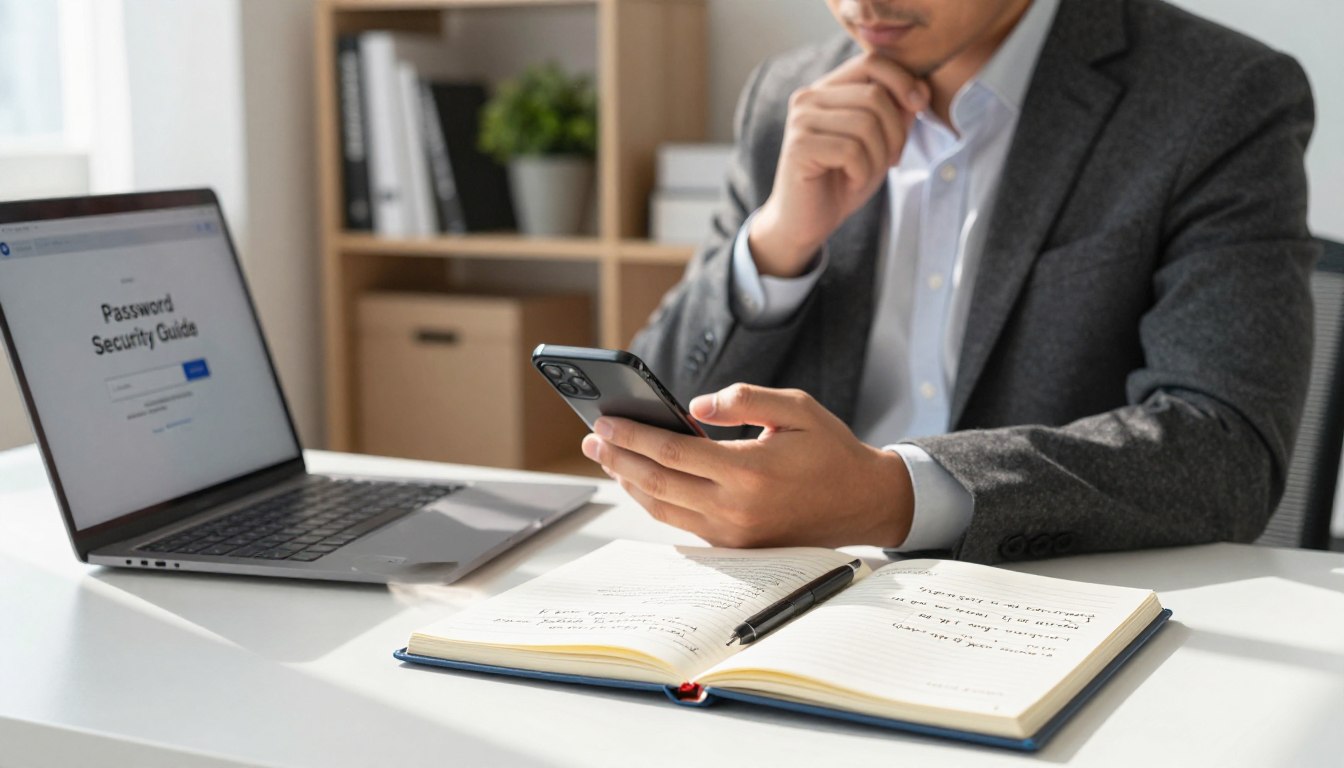
In our digital world, protecting personal information is more vital than ever. Many people rely on simple codes that hackers can easily guess, leaving their financial details and private data at risk. Following a reliable password security guide helps you build a wall against unauthorized access.
Creating strong passwords is the first step toward better account security. By using longer, unique combinations, you make it nearly impossible for automated tools to break into your profiles. Implementing password best practices ensures your digital life remains private and protected from common threats.
This article explores how to manage your credentials effectively. We will cover how to use managers, enable multifactor authentication, and stay alert against phishing attempts. Improving your online security is a simple process that offers lasting peace of mind.
Key Takeaways
- Use long, unique phrases for every login to prevent automated guessing.
- Leverage digital managers to store and organize your credentials safely.
- Enable multifactor authentication to add an extra layer of protection.
- Stay vigilant against phishing emails that try to steal your data.
- Update your login credentials immediately if you suspect a breach.
Build a Strong Password Security Guide for Every Account
Building a robust defense for your online accounts requires a shift in how you think about passwords. Many users mistakenly rely on a single familiar code for multiple sites, which creates a massive security vulnerability. If one service suffers a data breach, attackers can easily access your other accounts using the same credentials.
Create long, unique passwords for each account
The foundation of password security is ensuring that every account has its own distinct key. Using unique passwords prevents a single compromise from turning into a total digital identity theft.
Use passphrases that are difficult to guess
Instead of short, complex strings, consider using long passphrases. A sequence of four or five random words is often easier to remember and much harder for computers to crack.
Avoid names, dates, reused passwords, and predictable patterns
Never include personal details like your birthday, pet names, or street addresses in your login credentials. These patterns are the first things hackers test when attempting to gain unauthorized access.
Understand what makes a password resistant to attacks
A truly secure credential must withstand modern automated hacking techniques. Following password best practices means designing codes that remain resilient even when subjected to intense computational pressure.
Protect against brute-force and credential-stuffing attacks
Hackers often use brute-force attacks to guess passwords through sheer speed and volume. Similarly, credential stuffing involves testing stolen login pairs across various websites to see where they work.
Recognize risks from dictionary words and personal information
Avoid common dictionary words or simple sequences like “123456.” These are instantly flagged by automated tools, making your account an easy target for intruders.
Store and manage passwords safely
Managing dozens of long passwords manually is nearly impossible for the average person. A reliable password manager serves as a secure vault for all your sensitive login data.
Use a reputable password manager
Tools like Bitwarden or 1Password help you generate and store complex credentials automatically. These applications ensure you never have to memorize dozens of different codes again.
Secure the password manager with a strong master password
Your password security guide is only as good as the gatekeeper protecting your vault. Choose a very long and unique master password that you keep strictly to yourself.
Never save passwords in unsecured notes, spreadsheets, or messages
Avoid the temptation to write credentials in digital sticky notes or unencrypted spreadsheets. These files are often the first places attackers look when they gain access to your device.
Protect Your Accounts With Better Login Practices
Beyond choosing a strong password, your daily login habits play a vital role in maintaining account security. Implementing a layered defense strategy ensures that even if one barrier fails, your data remains protected from unauthorized access.
Turn on multifactor authentication
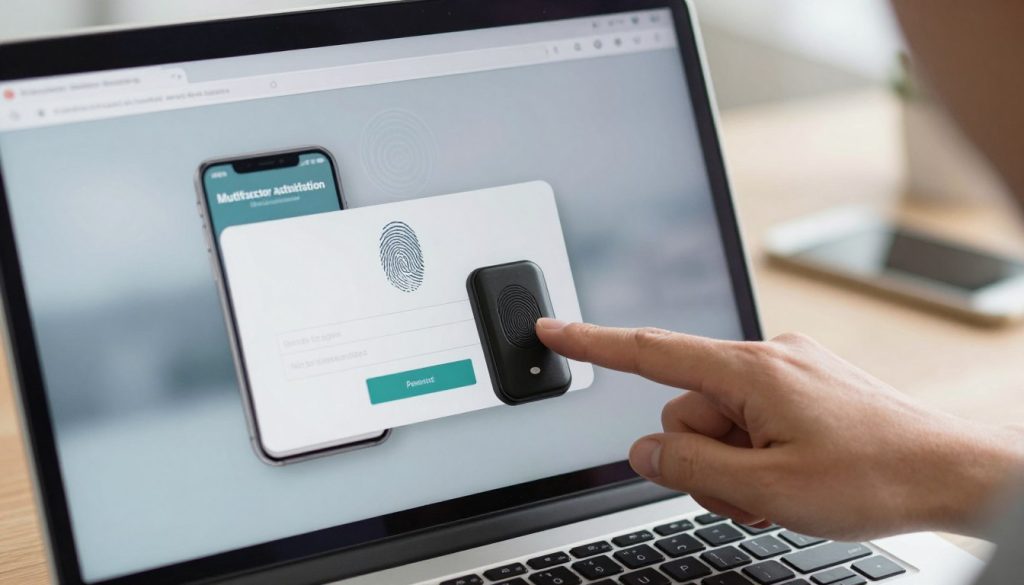
Multifactor authentication (MFA) is one of the most effective ways to bolster your online security. By requiring a second form of verification, you make it significantly harder for attackers to gain entry.
Choose an authenticator app or security key when available
Using an authenticator app like Google Authenticator or a physical security key provides superior MFA security. These methods generate time-sensitive codes or cryptographic signatures that are much harder to intercept than standard login credentials.
Use text-message codes as a backup rather than the strongest option
While SMS codes are better than nothing, they are vulnerable to SIM-swapping attacks. Reserve them as a secondary backup method only when more secure options are unavailable.
Identify phishing and other password theft attempts
Effective phishing protection requires constant vigilance against deceptive tactics. Cybercriminals often use psychological pressure to trick users into revealing sensitive information.
Check links, sender addresses, and urgent requests carefully
Always inspect the sender’s email address for subtle misspellings or unusual domains. Be wary of messages that demand immediate action or threaten to close your account if you do not click a link.
“The best defense against digital deception is a healthy dose of skepticism when receiving unexpected requests for your credentials.”
Enter passwords only on legitimate websites and apps
Before typing your password, verify the URL in your browser address bar. Ensure you are on the official site rather than a look-alike page designed to steal your login data.
Secure account recovery and connected devices
Maintaining your account recovery options is essential for regaining access if you are ever locked out. Keeping your information current ensures that you are the only one who can reset your credentials.
Update recovery email addresses and phone numbers
Periodically review your recovery settings to ensure they point to accounts you still control. Outdated information can lead to permanent account loss during a security event.
Review active sessions, connected apps, and login alerts
Most platforms allow you to view active sessions and manage third-party app permissions. Enabling login alerts will notify you immediately if someone attempts to access your account from an unrecognized device.
Keep browsers, operating systems, and security software updated
Software updates often contain critical patches for vulnerabilities that hackers exploit. Running the latest versions of your tools is a fundamental pillar of robust password security.
Respond quickly when a password may be exposed
If you suspect a password breach, you must act immediately to limit the damage. Speed is your greatest ally when securing your digital footprint.
Change the affected password from the official account settings
Navigate directly to the service’s official website to update your credentials. Never use links provided in suspicious emails to reach the password reset page.
Revoke suspicious sessions and report fraudulent activity
Force a logout on all devices to kick out any unauthorized users. Reporting the incident to the service provider helps them track the threat and protect other users.
Check for reuse on other accounts and update those passwords too
If you have reused the compromised password elsewhere, change those accounts immediately. Using unique passwords for every service prevents a single breach from cascading across your entire digital life.
| Security Feature | Primary Benefit | Implementation Level |
|---|---|---|
| Authenticator App | High Security | Recommended |
| Security Key | Maximum Protection | Best Practice |
| SMS Verification | Basic Security | Backup Only |
Conclusion
Building robust online security requires more than a single update to your login credentials. You must adopt consistent habits to keep your digital life safe from harm.
This password security guide serves as a roadmap for your daily habits. Using unique passphrases and a trusted tool like 1Password or Bitwarden creates a strong foundation for your account security.
Enable multifactor authentication on every platform to add a vital layer of defense. Stay alert for phishing attempts that aim to steal your login details. These small steps help you protect personal data against evolving threats.
A password breach can happen to anyone, but your response determines the outcome. Revoke suspicious sessions and update your recovery information immediately if you suspect unauthorized access. Checking for reused passwords across different sites limits the damage during a security event.
Commit to these practices to secure online accounts effectively. Your proactive approach to password security remains the best way to stay safe in an interconnected world. Start refining your habits today to ensure your private information stays private.